Kontrol S-Series MK3 keyboard causes Logic and macOS MIDI Studio to hang (not responding)
Symptom
When launching Logic Pro with a Kontrol MK3 connected, Logic Pro stops responding. In some cases, the macOS application MIDI Studio / Core MIDI may also show as not responding in the Force Quit Applications window.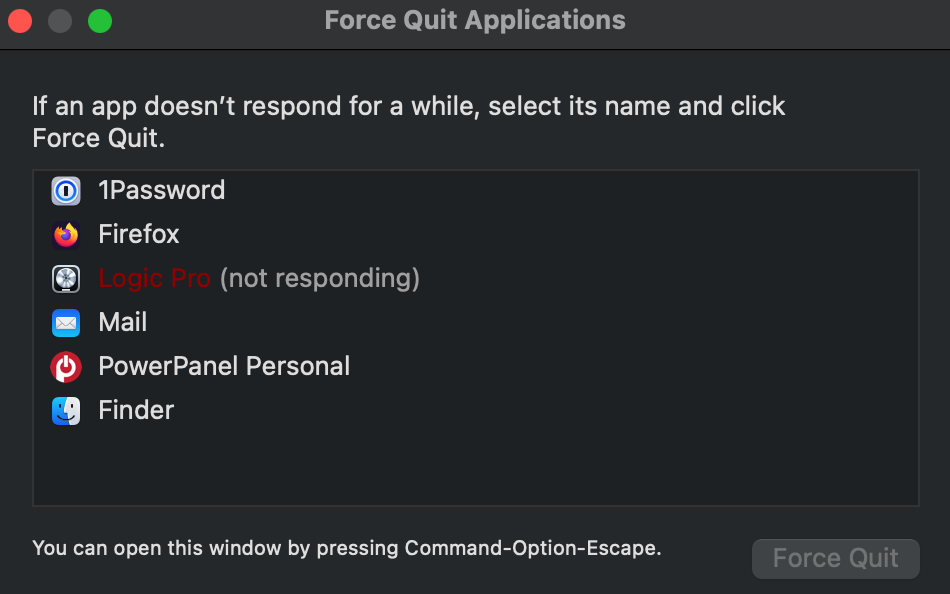
Cause
This behavior can occur when a keyboard is running in MIDI 2.0 mode, causing an unknown issue with Logic / Core MIDI.
Solution
The solution in this case is to run the S-Series MK3 in MIDI 1.0 mode instead.
Here's how to set the Kontrol MK3 back to MIDI 1.0:
- Start your Kontrol MK3 keyboard.
- Press the SETTINGS MIDI button.
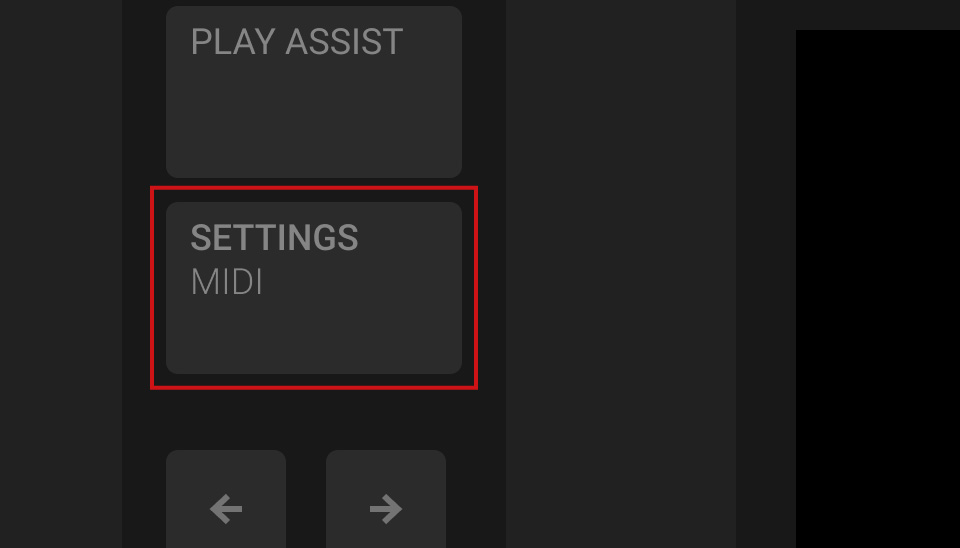
- Use buttons 1 and 2 above the display to select the Hardware category:
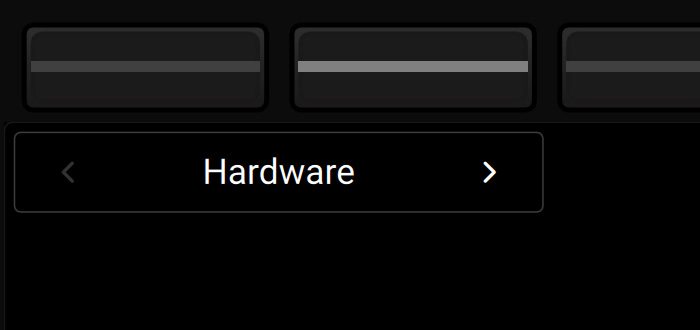
- Use the Page button to select page 2.

- Turn the first knob to select MIDI 1.0.
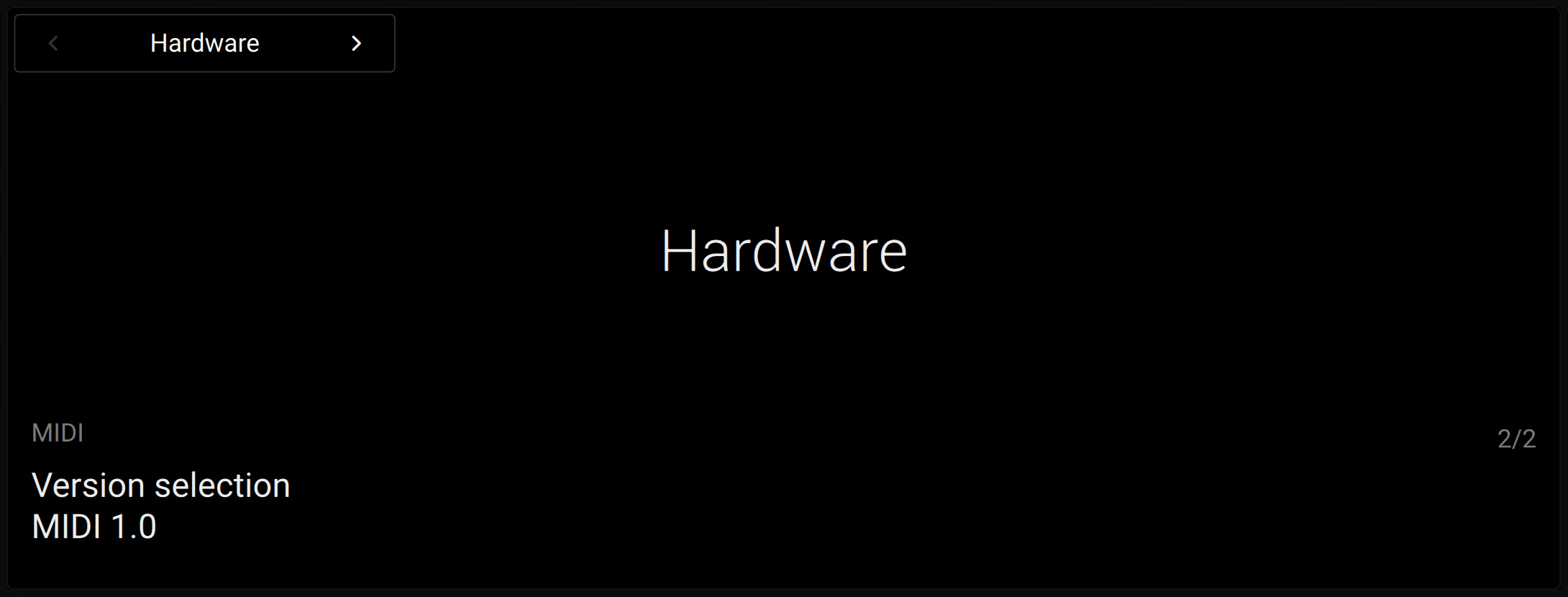
Next, you need to reset the Kontrol S MK3 entry in MIDI Studio:
- After you have set the Kontrol MK3 to MIDI 1.0 (see above), switch the keyboard off.
- Start Finder and open Applications > Utilities > Audio MIDI Setup.
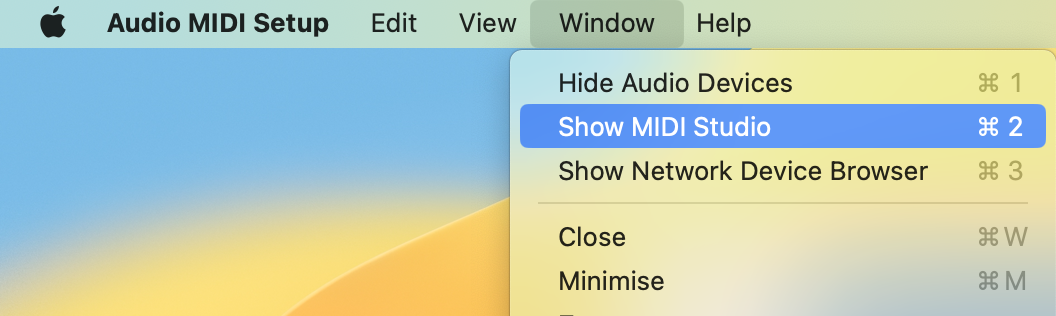
- In the top menu bar, select Window > Show MIDI Studio.
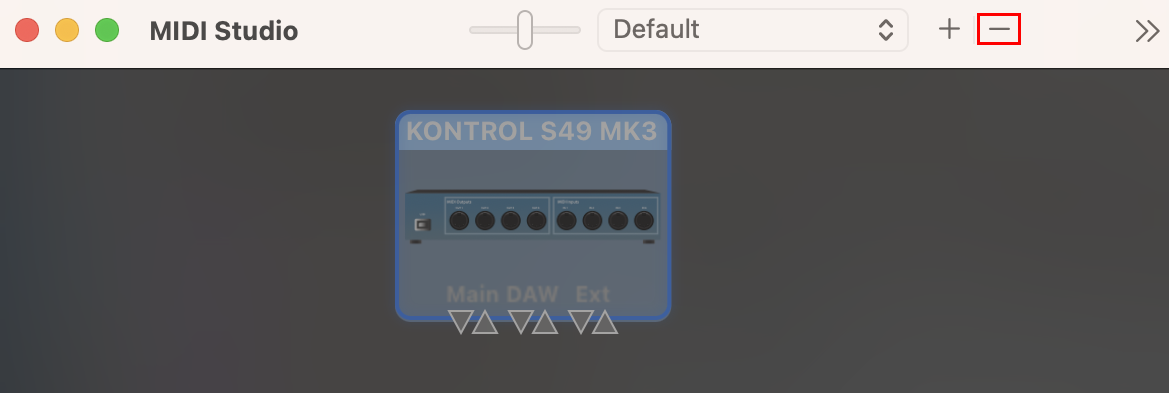
- Select the Kontrol S MK3 and click the "-" button (or press the del key on your computer keyboard).
- Turn your keyboard back on.
Both your keyboard and macOS are now set up for MIDI 1.0 again.
When launching Logic again, it should now run as expected.