If Kontakt 7 or Kontakt 8 appears blurry in FL Studio, this is typically caused by plugin display settings.
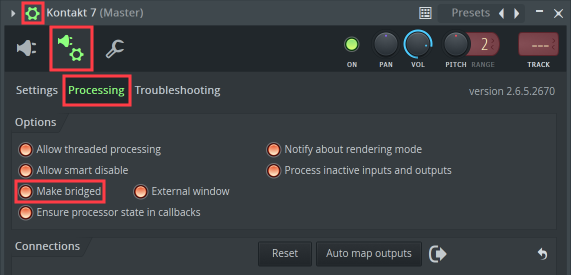
- Open the Fruity Wrapper settings on the plug-in window and select Processing.
- Activate the option Make bridged.
- Click the Plug-in editor button to return to the Kontakt plug-in window.
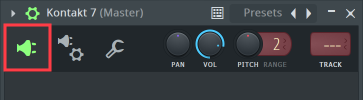
The Kontakt 7 / 8 plug-in window will now display as expected.