Symptom
When playing a Kontakt instrument at 90 bpm in FL Studio, the audio is out of sync.
Solution
- Load Kontakt on an instrument channel.
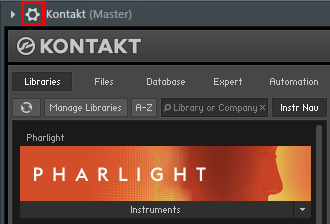
- Click the cogwheel button to open the detailed settings.
- Click the plug/cogwheel button and select Troubleshooting.
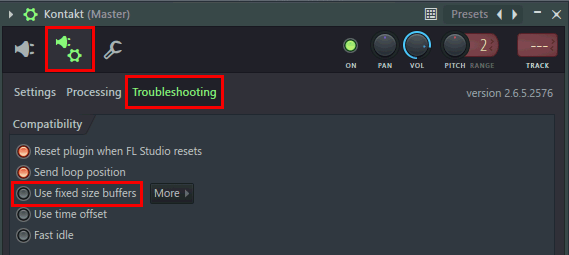
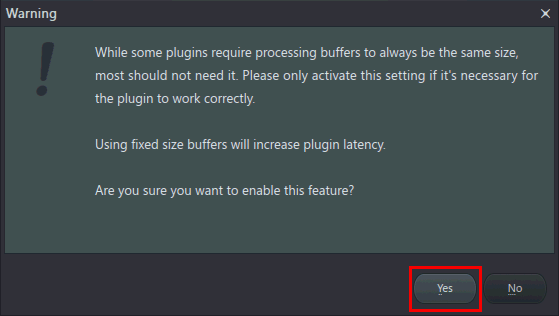
- Activate the option Use fixed size buffers and confirm with Yes.
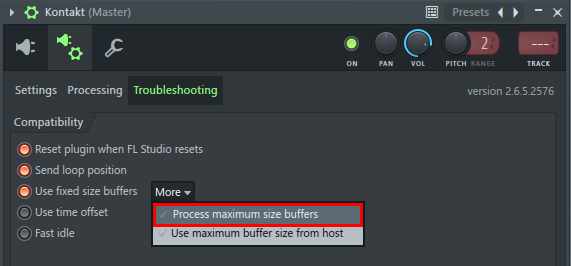
- Click More and select Process maximum size buffers.
Kontakt will now play in sync again.