Kontakt 5 Error: “Could Not Start Memory Server” (macOS Catalina)
If you receive a “Could Not Start Memory Server” error when launching Kontakt 5 on macOS Catalina, this is due to an outdated feature no longer required on newer systems.
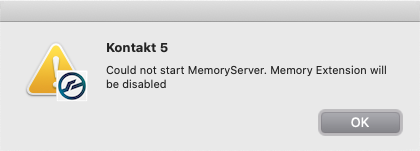
TABLE OF CONTENTS
Cause
This error message appears in these specific circumstances:
- When Kontakt 5 is used on a macOS X 10.15 (Catalina) system.
- When Kontakt 5 has been opened after the Kontakt Memory Server (KMS) had been previously enabled.
Note: The Kontakt MemoryServer (KMS) was only useful for older 32-bit versions of Kontakt 5, which could only address a maximum of 4 GB of RAM. The latest 5.8.1 version of Kontakt 5 is able to utilize all of the system's RAM.
Solution
Follow these steps, to stop the error message from appearing in Kontakt 5:
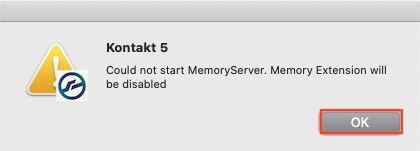
- Click OK on the Error Message window.
- Click the Gear Symbol located along the top menu bar of Kontakt 5.

- Go to the Memory page, and disable the box labelled; "Use Memory Server". Then click Close.
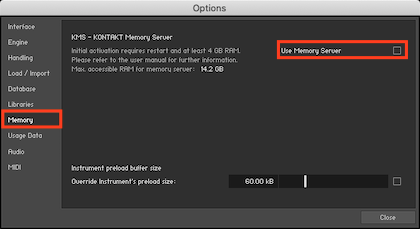
Note: The Use Memory Server option is disabled when the tickbox is dark/empty.
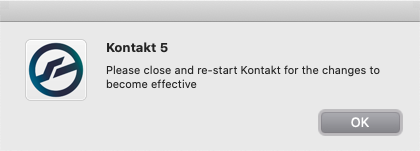
- A message appears stating that it is required to re-launch Kontakt 5. Close and restart Kontakt 5 now for the changes to become effective.
After restarting, the error message should no longer appear!