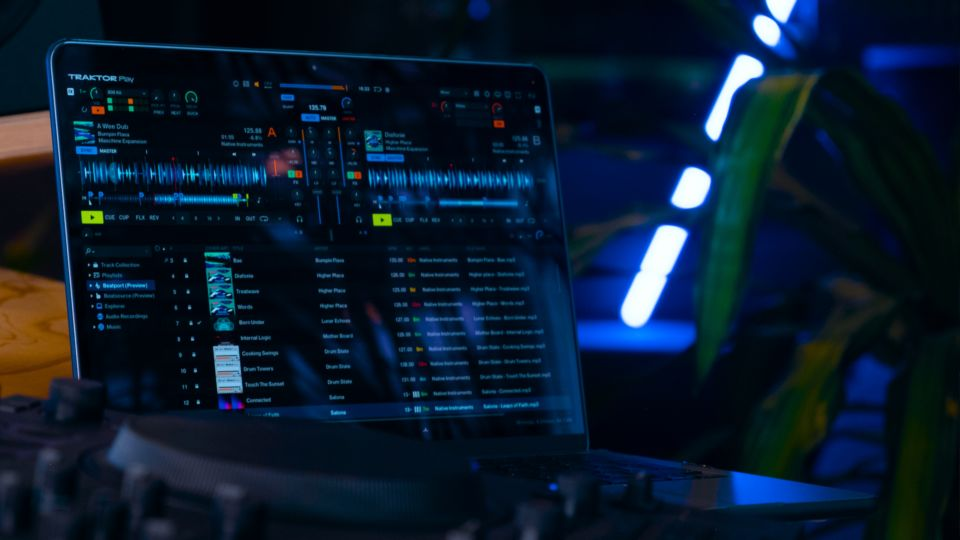
Traktor Play is designed to provide a streamlined DJ experience with support for a selection of popular entry-level and portable DJ controllers. The following hardware is currently compatible with Traktor Play.
Supported Hardware
- Traktor Kontrol S2 MK3
- Traktor MX2
- AlphaTheta DDJ-FLX2
- AlphaTheta DDJ-FLX4
- Reloop Buddy
- Reloop Ready
Getting Started
- Install the latest version of Traktor Play.
- Connect a supported controller directly to your computer using a supported USB connection.
- Launch Traktor Play.
- The software should automatically detect and configure supported hardware.
Notes
- For the best experience, ensure both your operating system and Traktor Play installation are fully up to date.
- Third-party controllers not listed above may function partially through generic MIDI mapping, but only the controllers listed in this article are officially supported for Traktor Play.
- Hardware compatibility is subject to change as new devices are added through future software updates.
Need Additional Help?
If your supported controller is not detected in Traktor Play, please contact Support and provide details about your controller model, operating system, and software version so that the issue can be investigated.