Kontrol S-Series MK3: "You're low on power. Please connect a USB-C power supply"
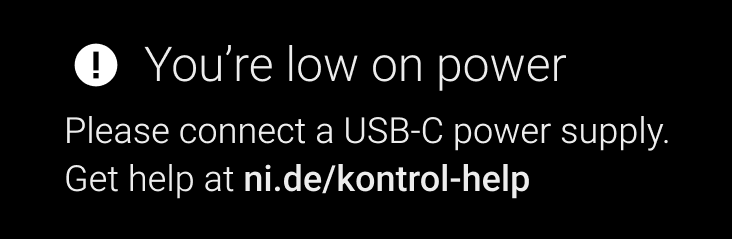
If your Kontrol S MK3's screen shows "You're low on power", the controller does not receive enough power via the USB cable alone.
This is common when connecting the keyboard to a non USB-C port (e.g. with a USB-C to USB-A adapter / cable).
Please try the following:
- If you are using a USB hub, try connecting the keyboard directly to the computer.
- Also, try a different USB socket on your Computer.
- If you have to use a USB hub: depending on how many other devices are connected to the hub, try a powered USB hub (if it isn't powered already). Also, make sure it is designed to transmit data & power.
- If you have to replace the original USB-C cable, make sure it is designed to transmit data & power.
- If all these troubleshooting steps did not help, please use a USB-C power supply (5 V, 7.5 W or higher, 1.5 A or higher) with its own USB-C cable. These are the specs for a regular USB-C charger that you might have along with your smartphone.