Symptom
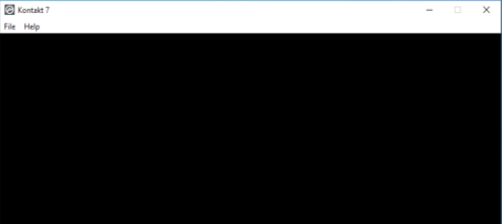
When you start Kontakt 7 / 8 on a Windows computer, the graphical user interface remains black.
Cause
Kontakt 7 / 8 requires graphics hardware support for Direct 3D 11.1 (Feature Level 11_1) or higher.
If your graphic adapter does not support this requirement, Kontakt will open with a black window and will not function.
How can I find out if my graphics can run Kontakt 7 / 8?
The Microsoft tool DxDiag shows all the specifications of your graphics drivers. Here's how to use it:
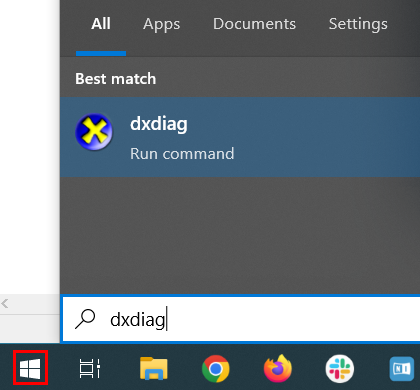
- Click the Windows Start button, type dxdiag and hit enter.
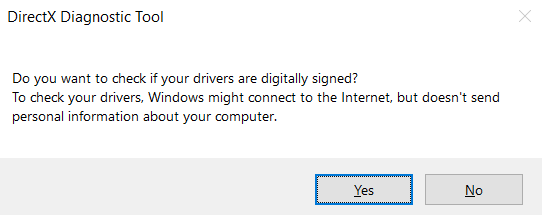
- When prompted, click Yes.
- Open the Display tab. The Drivers area on the right lists the specifications of your graphic adapter.
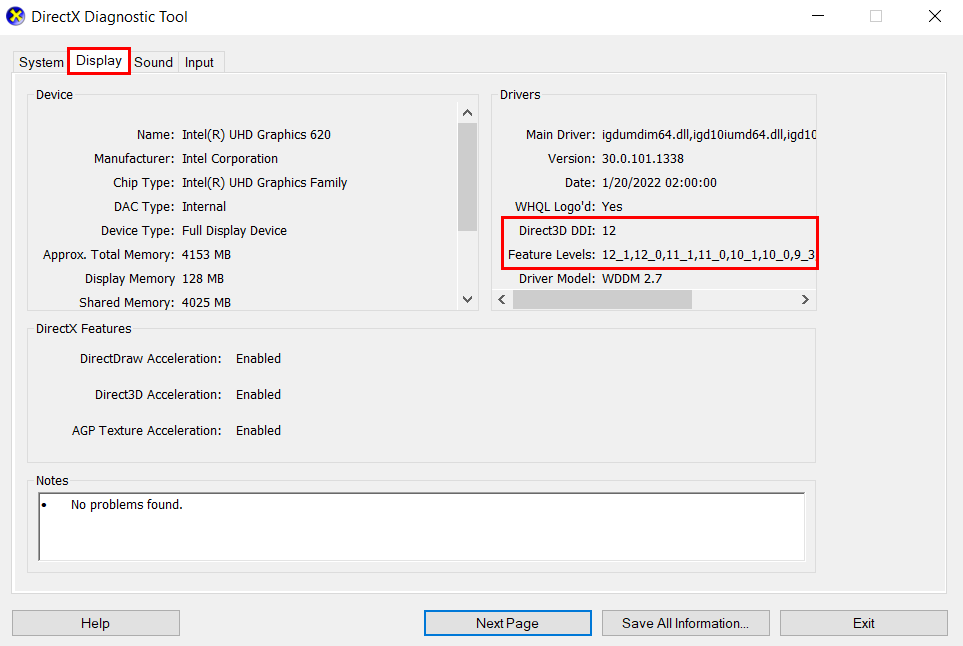
The example above shows support for Direct3D 12 and Feature Level 12_1. This graphic adapter's Direct3D driver is compatible with Kontakt 7 / 8.