Native Instruments | Where are the Presets of my Kontakt Instrument?
This article explains how to access the Presets or Snapshots included with newer Kontakt Libraries.
TABLE OF CONTENTS
Symptom
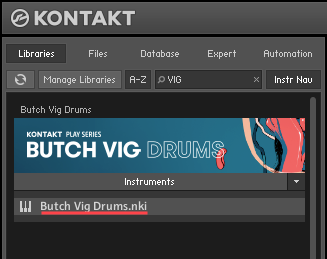
A new Kontakt Library seems to include only one instrument (.nki) file, but this Library has been advertised to feature a selection of multiple Presets (or Snapshots).
Cause
Many of the newer first-party Kontakt Libraries (released in 2014 and onwards) feature preset variations of the Instrument (.nki) file, in the form of so-called "Snapshots".
Note: In Kontakt Library nomenclature, the terms "Snapshot" and "Preset" are referring to the same thing.
Solution
In order to access the included Snapshots, please follow these steps:
- Select the Snapshot (Camera) symbol, near the upper-right side of the Instrument Header.

- Find the Snapshot Selector menu-tab, near the upper-left of the Instrument Header.

- The Snapshots are listed, and are freely available for selection:
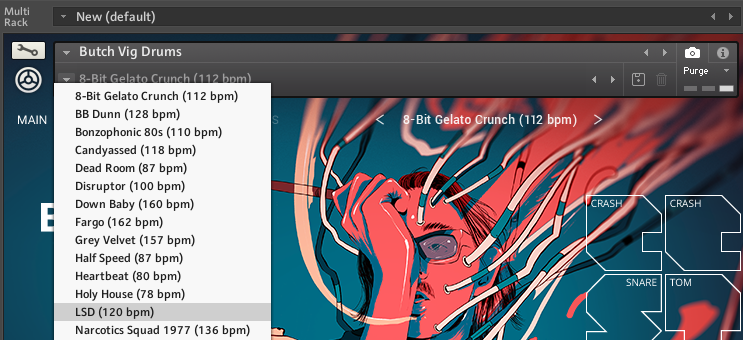
- Additionally, the Snapshots can be switched with the Previous (left arrow) and Next (right arrow) buttons located in the snapshot view.
